
Don’t lose buyers to something fixable.
Successible finds the accessibility leaks in your content — for entrepreneurs, agencies, and businesses who want every visitor to become a buyer.
And makes you more successful as a result!
Built by a designer, for non-techie people who care about inclusive email marketing, design, and user experience
TRUSTED BY DESIGNERS & CREATORS AT:

Successible makes your content available to EVERYONE
One click gives you both an audit AND prescriptive advice about what to change.
WATCH SUCCESSIBLE IN ACTION
Is your sales page CONVERTING?
📉
Is your sales page CONVERTING? 📉
If your sales pages, website, and emails are NOT converting, you might not notice that
Lack of accessibility means you’re missing out on sales
1.6X
The data backs it up:
Companies leading in disability inclusion make 1.6x more revenue.
Accessible websites see 50% higher organic traffic.
71% of customers with disabilities leave inaccessible websites.
It makes sense – companies that produce accessible content are making more money.
One in four Americans has a disability.
And these people have a combined spending power of $490 billion.
1.3B
Globally, 1.3 Billion people have disabilities.
Yet tech companies & other businesses are pushing to make their websites more accessible to AI, rather than to humans.
Accessibility is not just the right thing to do, it’s your opportunity to stand out to the humans buying from you.
What people are saying
🗣️
What people are saying 🗣️
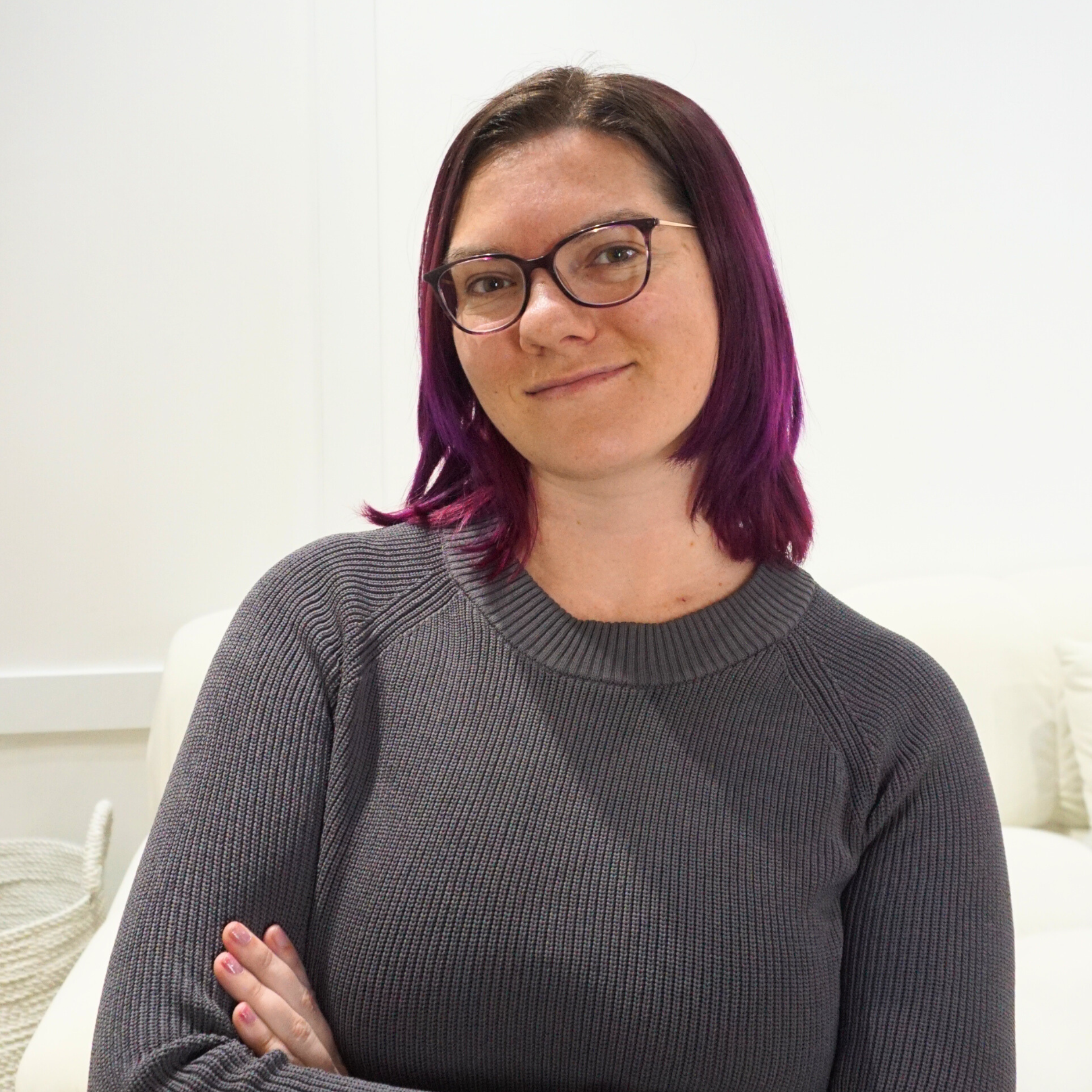
“Adding proper alt text alone boosted my site’s SEO.
With Successible, I now stand out in search. There’s no special coding knowledge needed, and no excuses to not optimize your site properly so that more people and the SEO algorithms that read your site can actually engage with your content.”
— Nina Clapperton, SEO Expert
It’s not just about being accessible to the disabled population.
In fact, you’ve probably:
👓 Reached for your readers when the text on your phone was too small.
👀 Left a website that had too much jargon or confusing content.
🖥️ Missed the best resource on the internet, because there was a lack of metadata that supported both screen readers and SEO.
💭 Not even known that you didn’t read important text on a page because the color contrast was so low, you didn’t even know there were words there!
People do the same thing when reading emails or websites. And if they can’t access or understand it, they leave.
If people struggle to access your content, they will struggle to buy.
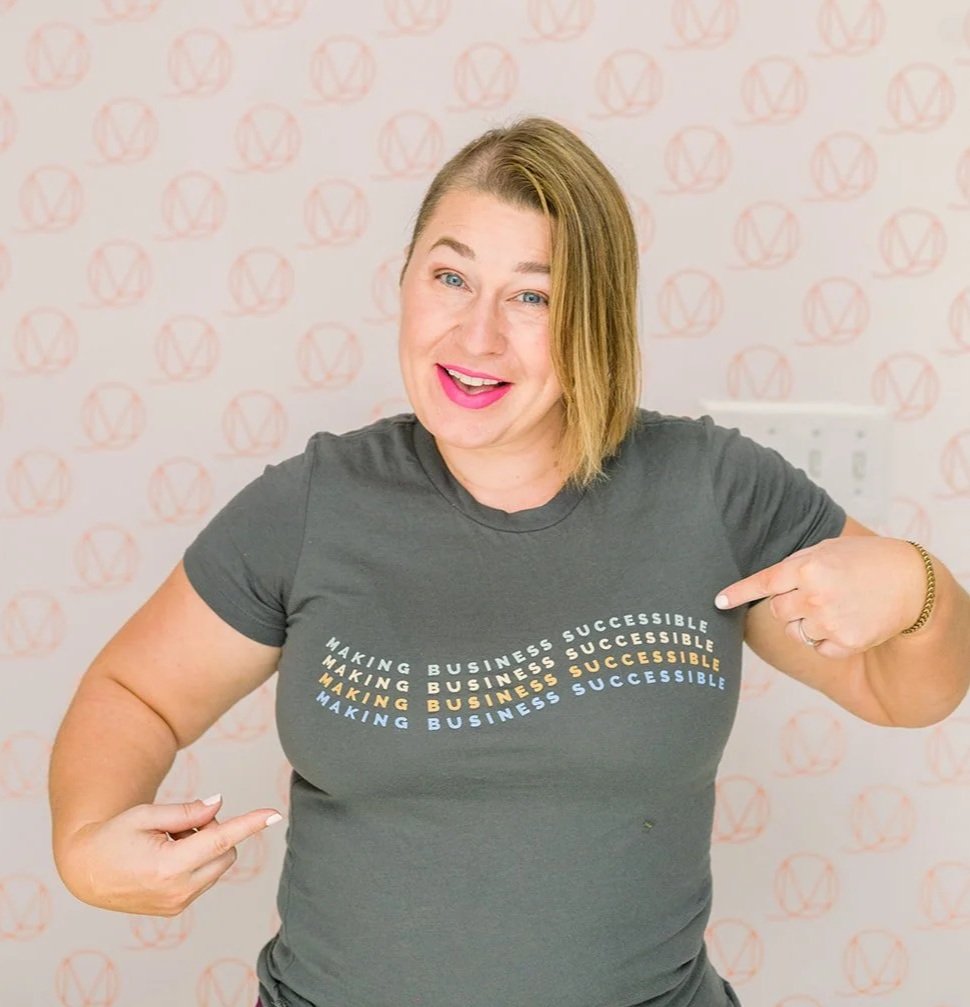
I’m Erin, founder of Successible.
Accessibility educator. DeafBlind entrepreneur. The reason Successible exists.
As a DeafBlind business owner, I’ve been navigating inaccessible systems my whole life. I know what it feels like to be excluded, and I know that you don’t want to be the one doing the excluding.
Successible is my answer to the gap I kept seeing: small business owners with big values and no practical tools to act on them.
I believe that accessibility shouldn’t be an afterthought. That’s why I built a tool to help make accessibility a natural part of the editing & publishing process.
Accessibility should click for everyone
Successible makes accessibility easy:
Click Successible
1.
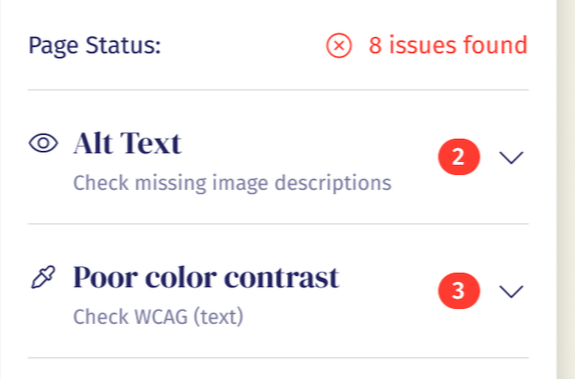
In your Chrome browser and get your list of what needs to be fixed.
Click To Make Edits
2.
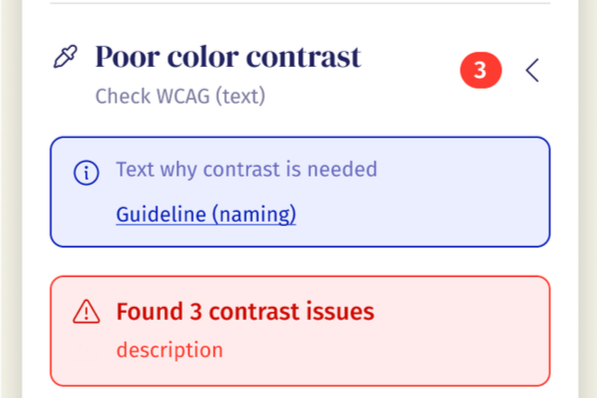
Make quick edits in your design platform or email service provider.
Click “Send”
3.
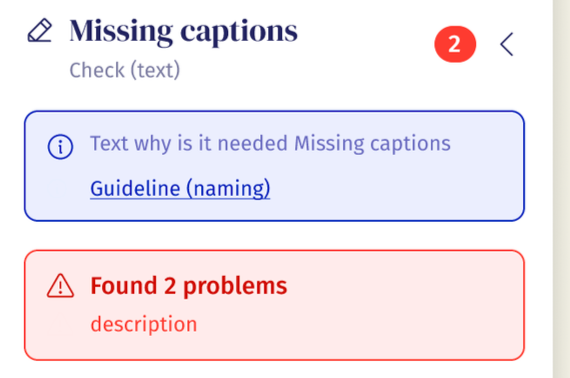
Send or publish your Successible content in just minutes!
Successible integrates everywhere that you make content:
Note: Successible does not currently integrate with the back end of Canva or ShowIt. It will, however, give an accessibility audit to published content on these platforms.
Think Grammarly, but for Accessibility
It's as easy to use as spell check. But where a typo costs you a little polish, an accessibility gap costs you the person entirely — and the sale that would've come with them. That's non-negotiable now. It's what decides whether people stay on your platform or hop to the next one that actually works for them.
Instant content checks - Flags issues in plain English as you create
Guidance within your tools - Works inside your website builder, email platform, and course platform
Quick, practical fixes - Clear steps you can apply in minutes
Built for real platforms - Flodesk, ThriveCart, Teachable, Kajabi, Squarespace, and more
Led by lived experience - Created by a DeafBlind entrepreneur
More satisfied customers
🗣️
More satisfied customers 🗣️
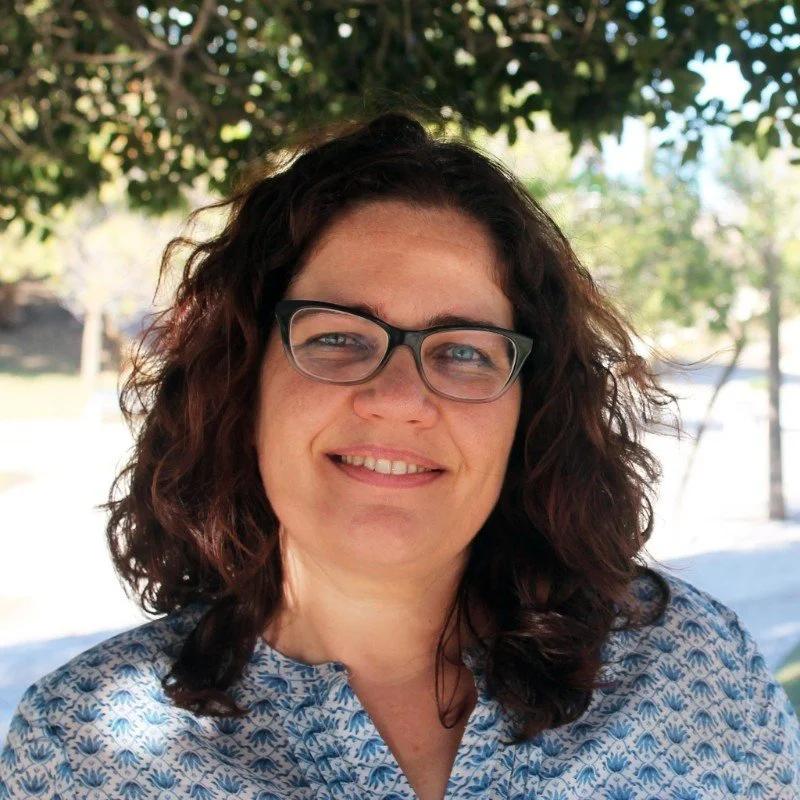
Successible gave me a way to include more people and to show them that our businesses care about them.
—Reme Mancera, Brand Story Strategist
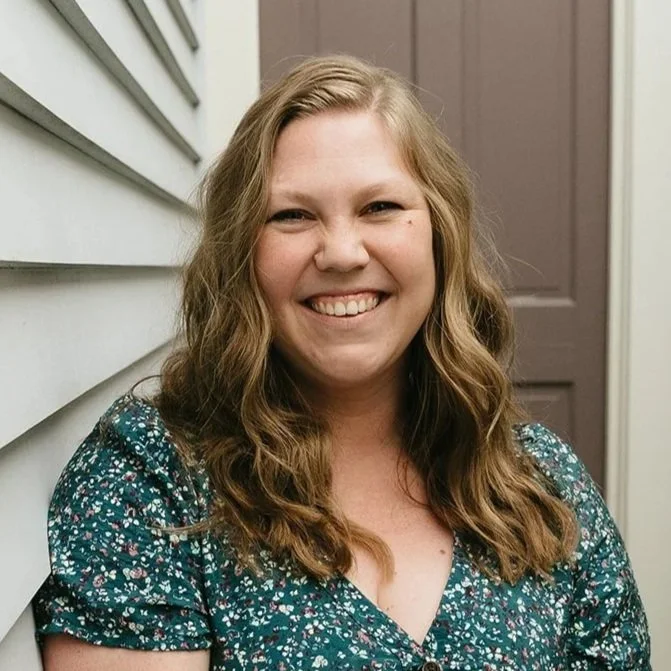
I signed up for Successible because accessibility is important for user experience, conversions, and rankings on Google.
—Julia Bochesse, SEO Consultant
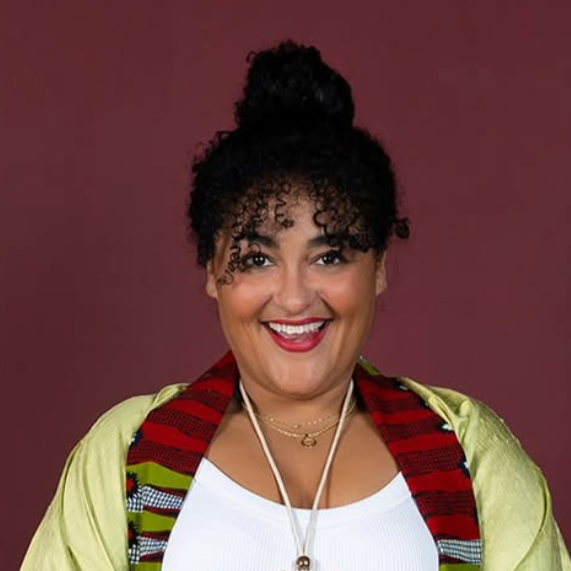
“I quickly realized that the more accessible our content, website, and design are, the larger our target market becomes. That means more opportunities, more connections, and more reach.
—Mikki Wilson, Dot Connector
WANNA TRY IT?
Make editing for accessibility a
natural part of your workflow.
Due to the digital nature of this product, no refunds will be provided.
If you have questions or concerns about your order, please email admin@successible.co